Technology Essentials 100 · Skill 22 · Typing, Text and File Management
Use copy, cut, paste and undo shortcuts.
Beginner · About 5–15 minutes including practice
Read It
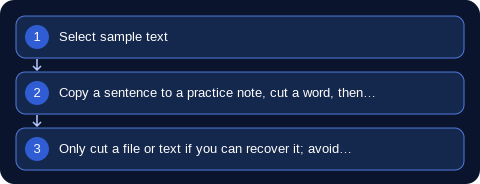
- Windows and macOS. Select sample text. Use Ctrl+C/X/V/Z on Windows or Command+C/X/V/Z on Mac.
- Supported alternatives. Touch and hold text; use the context menu where editing is supported.
- Try it. Copy a sentence to a practice note, cut a word, then undo.
If you get stuck
Only cut a file or text if you can recover it; avoid copying passwords.