Technology Essentials 100 · Skill 33 · Typing, Text and File Management
View and convert PDF documents, including saving or printing to PDF.
Beginner · About 5–15 minutes including practice
Read It
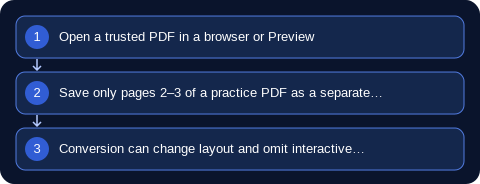
- Windows and macOS. Open a trusted PDF in a browser or Preview. To export a printable copy use Microsoft Print to PDF or the Mac print dialog’s PDF menu.
- Supported alternatives. Use supported Print or Share export on mobile; check the app’s save options.
- Try it. Save only pages 2–3 of a practice PDF as a separate copy.
If you get stuck
Conversion can change layout and omit interactive fields; inspect the result.