Technology Essentials 100 · Skill 52 · Web Browsing and Online Search
Handle pop-ups, camera, microphone, location and notification permissions.
Beginner · About 5–15 minutes including practice
Read It
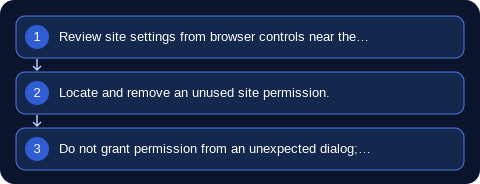
- Windows and macOS. Review site settings from browser controls near the address bar or its Privacy settings. Permit microphone or camera only for the intended trusted site.
- Supported alternatives. Check both browser-level and operating-system permissions on mobile.
- Try it. Locate and remove an unused site permission.
If you get stuck
Do not grant permission from an unexpected dialog; close the tab safely.