Technology Essentials 100 · Skill 55 · Web Browsing and Online Search
Use split-screen or Picture-in-Picture where supported.
Beginner · About 5–15 minutes including practice
Read It
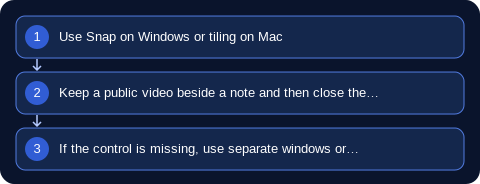
- Windows and macOS. Use Snap on Windows or tiling on Mac; choose Picture-in-Picture only where the video and browser support it.
- Supported alternatives. Use the iPad window controls or Android split screen where supported; mobile PiP depends on OS and app.
- Try it. Keep a public video beside a note and then close the floating view.
If you get stuck
If the control is missing, use separate windows or pause and switch apps.