Technology Essentials 100 · Skill 84 · Productivity, Media and Everyday Security
Enter rows and columns, sort data and use SUM and AVERAGE formulas.
Beginner · About 5–15 minutes including practice
Read It
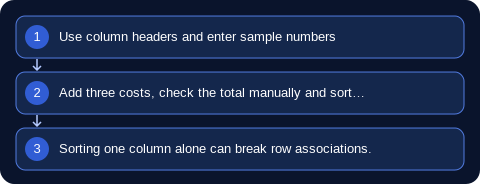
- Windows and macOS. Use column headers and enter sample numbers. Sort the entire range, then use formulas such as =SUM(B2:B4) and =AVERAGE(B2:B4).
- Supported alternatives. Use the mobile formula bar or spreadsheet web app when supported.
- Try it. Add three costs, check the total manually and sort the whole table.
If you get stuck
Sorting one column alone can break row associations.