Technology Essentials 100 · Skill 89 · Productivity, Media and Everyday Security
Cast or mirror screens to TVs and external displays.
Beginner · About 5–15 minutes including practice
Read It
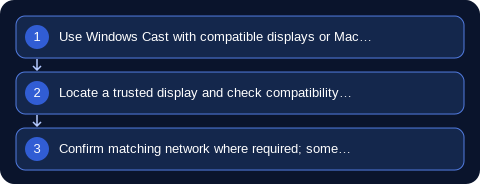
- Windows and macOS. Use Windows Cast with compatible displays or Mac Screen Mirroring when AirPlay is supported; use a suitable cable if needed.
- Supported alternatives. Use compatible AirPlay, Cast or vendor screen sharing. Confirm if the app casts a video or mirrors the entire screen.
- Try it. Locate a trusted display and check compatibility without sharing private content.
If you get stuck
Confirm matching network where required; some content restricts mirroring.