Technology Essentials 100 · Skill 6 · Core Device and System Basics
Connect to Wi-Fi networks and manage cellular data on mobile.
Beginner · About 5–15 minutes including practice
Read It
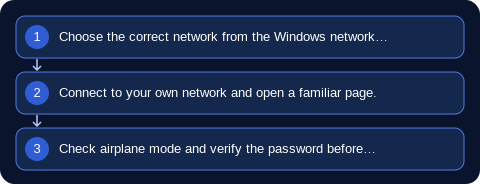
- Windows and macOS. Choose the correct network from the Windows network flyout or the Mac Wi-Fi menu. Confirm the network name with its owner.
- Supported alternatives. Use Settings → Wi-Fi on iPhone/iPad or Settings → Network & internet on Android. Review mobile-data controls before testing without Wi-Fi.
- Try it. Connect to your own network and open a familiar page.
If you get stuck
Check airplane mode and verify the password before forgetting a saved network.